
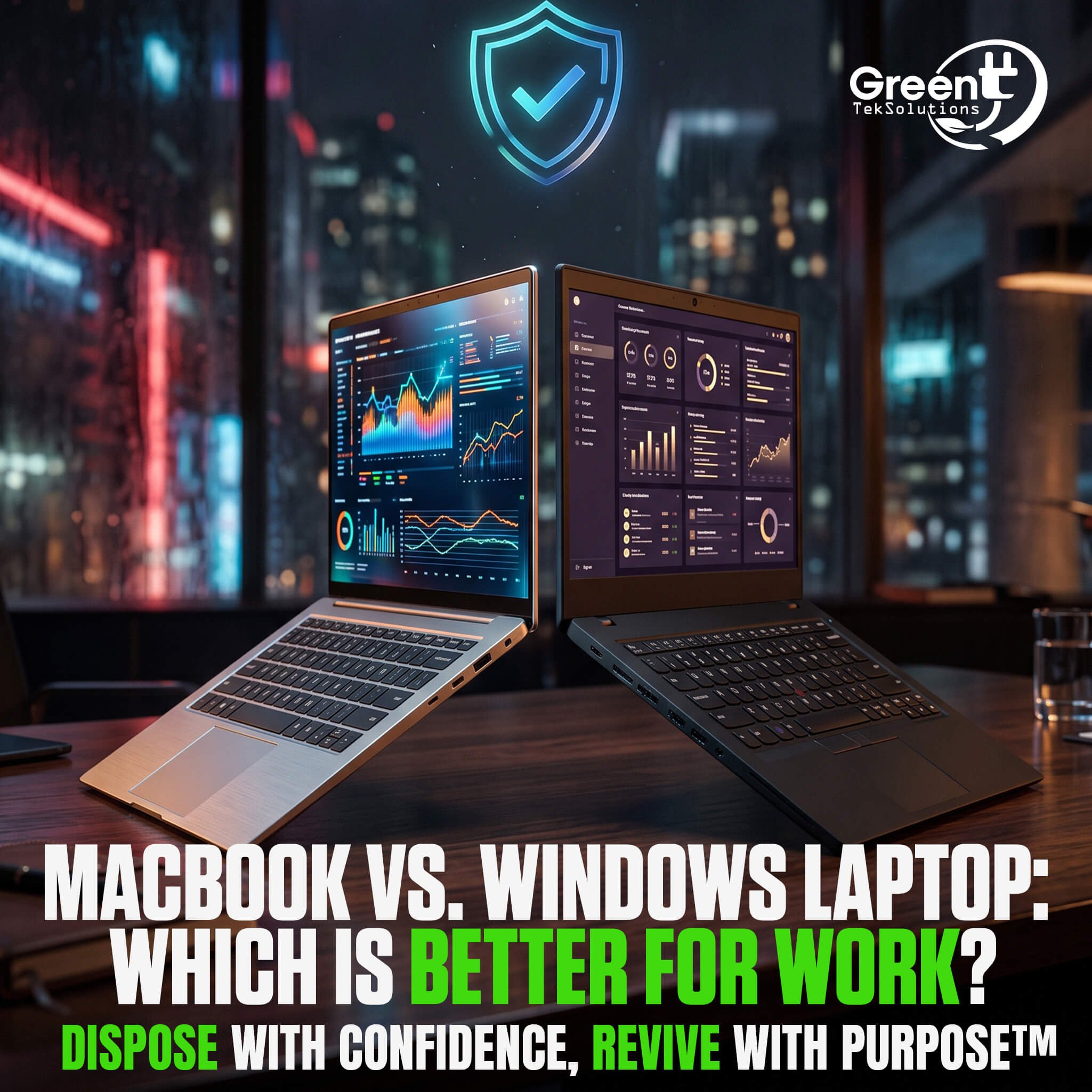
Choosing the right laptop for work can have a significant impact on productivity, compatibility, and long-term technology costs. While MacBooks and Windows laptops are both popular business options, the better choice depends on the organization's software, budget, security requirements, and existing IT environment.
MacBook for Work
MacBooks are popular among professionals who prioritize design, performance, and integration with other Apple devices. Apple's hardware and software are designed to work together, which can create a consistent user experience across laptops, phones, and tablets.
For organizations already using Apple products, MacBooks may also simplify device management and employee workflows. However, businesses should consider software compatibility before standardizing on Mac hardware. Some business applications may be designed primarily for Windows environments.
Windows Laptops for Work
Windows laptops offer a wider range of manufacturers, configurations, and price points. This flexibility can make Windows a practical option for businesses with different performance requirements across departments.
Windows also supports a broad range of business software and enterprise environments. Organizations can choose from basic laptops for everyday productivity to higher-performance systems for specialized applications.
For businesses managing large numbers of devices, the ability to standardize configurations can also simplify IT asset management and future equipment refreshes.
Which Laptop Is Better for Work?
There is no universal answer to whether a MacBook or Windows laptop is better for work. The right choice depends on the organization's existing technology environment and the needs of its employees.
Businesses should consider software compatibility, security, device management, employee preferences, repairability, and total cost of ownership before making a decision.
Organizations should also consider what happens when those laptops eventually reach the end of their useful life. A structured IT asset disposition program can help businesses securely process retired devices while identifying opportunities for reuse, resale, and responsible recycling.
Ultimately, choosing the right work laptop is about more than the device itself. Businesses should consider how technology fits into their entire IT lifecycle, from purchase and deployment to retirement and recovery.
