
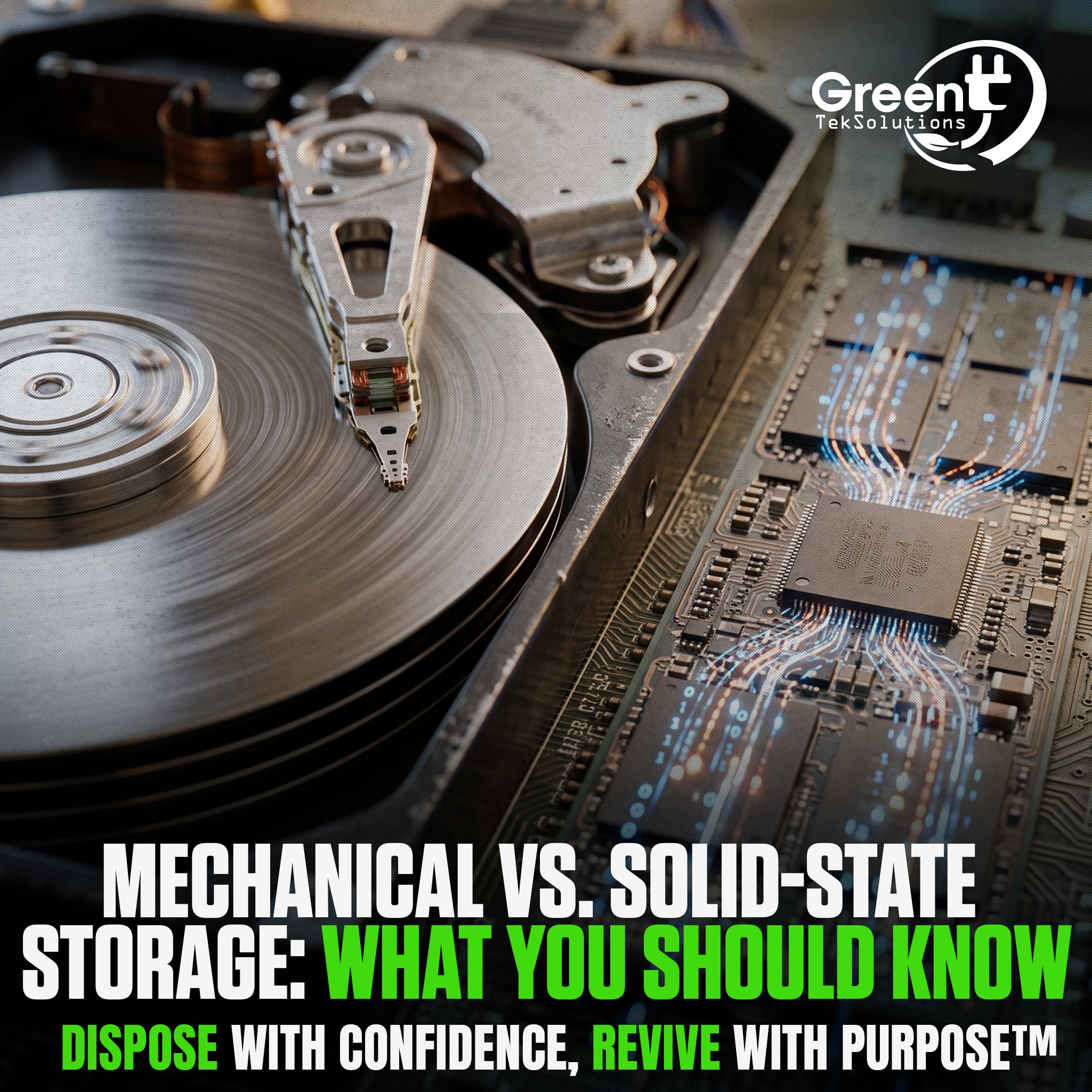
Storage technology plays an important role in how computers and other devices perform. Two of the most common types are mechanical hard disk drives (HDDs) and solid-state drives (SSDs). While both can store data, they use very different technologies.
Understanding the difference between mechanical and solid-state storage can help businesses make more informed decisions when purchasing, upgrading, or retiring IT equipment.
What Is Mechanical Storage?
A mechanical hard disk drive stores information on spinning magnetic platters. A moving read/write head accesses the data stored on those platters.
Because HDDs contain moving components, they can be more susceptible to physical damage. However, they typically offer high storage capacities at a lower cost, making them useful for certain applications where large amounts of storage are needed.
What Is Solid-State Storage?
Solid-state drives store data using flash memory and have no moving mechanical components. This allows SSDs to generally provide faster performance, quieter operation, and greater resistance to physical shock compared with traditional HDDs.
SSDs have become increasingly common in laptops, desktops, servers, and other modern technology.
What Happens When Storage Reaches the End of Its Life?
Whether a device contains an HDD or SSD, the storage can still contain sensitive information after the device is removed from service. Simply deleting files or disposing of the device does not necessarily make the data inaccessible.
Organizations should establish a documented data sanitization process before retiring technology. Depending on the device and applicable security requirements, data may be securely erased or the storage media may require physical destruction.
Once the data has been securely processed, the remaining equipment can be evaluated for reuse, resale, or responsible recycling through an IT asset disposition program.
Choosing the Right Storage
Mechanical and solid-state storage each have advantages depending on the application. Businesses should consider performance, capacity, cost, durability, and data security when selecting storage technology.
Understanding how storage works also becomes important when technology reaches the end of its useful life. Proper planning can help organizations protect sensitive information while maximizing the remaining value of their IT assets.
