
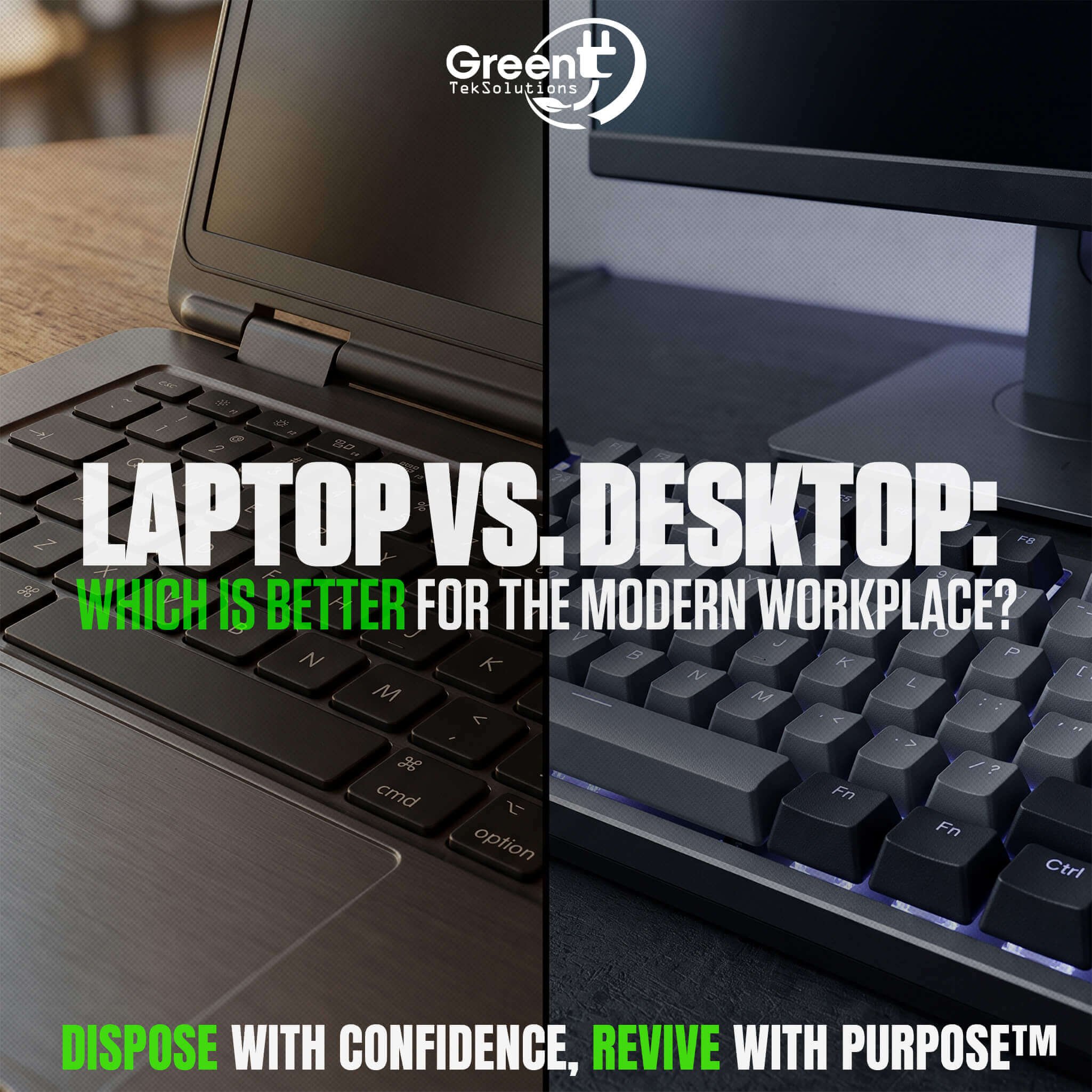
Choosing the right technology for employees is an important decision for any business. While laptops and desktop computers both help employees do their jobs, they offer different benefits. Each one has its own advantages.
So, when comparing a laptop vs. a desktop, which is better for the modern workplace?
The answer depends on how employees work, where they work, and what their roles require. Understanding the differences between laptops and desktops can help businesses make informed technology decisions while planning for long-term IT needs.
Laptops Offer Flexibility and Mobility
One of the biggest advantages of laptops is portability. Employees can easily move between workstations, meeting rooms, offices, and remote locations without being tied to a single desk.
For businesses with hybrid or remote employees, business laptops can provide the flexibility needed to work from different locations. A laptop also combines the computer, monitor, keyboard, and other essential components into one device, which can simplify workstation setup.
Laptops can also make it easier for businesses to support employees who travel frequently or work across multiple locations. However, their compact design can make certain upgrades and repairs more difficult compared with desktop computers.
Desktops Deliver Performance and Expandability
Desktop computers remain a practical choice for employees who need consistent performance at a dedicated workstation. They often work well for roles that use demanding apps.
They are also good for working with large files. They suit graphic design, engineering, and data analytics. They can handle other heavy workloads too.
Another advantage of desktops is expandability. Depending on the model, businesses may have more flexibility to upgrade components such as memory, storage, or graphics hardware over time.
Because desktops generally remain in one location, they can also be easier to integrate into a permanent workstation setup. The tradeoff is reduced mobility compared with laptops.
Comparing Cost, Security, and Maintenance
Cost is another factor when evaluating laptops vs. desktops. The purchase price is only one part of the total cost of ownership. Businesses should also consider accessories, maintenance, upgrades, repairs, and eventual replacement.
Security should be considered throughout the entire technology lifecycle as well. Whether a company uses laptops or desktops, devices may contain sensitive business information. Organizations should have processes in place for protecting data while equipment is actively being used and securely sanitizing data before devices leave the organization.
Maintenance and lifecycle planning can also influence which option makes the most sense. A device that meets an employee's needs today should also be evaluated based on how long it can remain useful and what happens when it reaches the end of its business lifecycle.
Which Is Better for Your Business?
There is no universal answer when comparing a laptop vs. a desktop. Laptops may be the better fit for mobile, hybrid, and remote employees, while desktops can make sense for employees who need higher performance at a fixed workstation.
Many businesses may ultimately benefit from using both. Matching the device to the employee's responsibilities can help organizations balance performance, flexibility, and cost.
Just as important is having a plan for the technology once it is no longer needed. When businesses refresh employee devices, retired laptops and desktops may still have value. Evaluating, sanitizing, remarketing, and responsibly recycling equipment can help organizations manage the next stage of the IT asset lifecycle.
The best workplace technology isn't necessarily one-size-fits-all. It's technology that supports employees today while fitting into a responsible, long-term IT asset strategy.
